





How Many Watts Does A Laptop Use: MacBook, Dell, Asus and More [With Data Table]
If you are trying to size a power station, cut electricity use, or figure out whether your laptop can run through a blackout, the key number is not just the charger label. It is the laptop’s real working draw. That is where most people get tripped up.
The short answer
Most laptops use about 20W to 70W during normal work. Efficient machines like a MacBook Air often stay closer to 10W to 30W for web, email, and documents. Many thin Windows laptops from Dell, ASUS, Lenovo, HP, and Acer land around 20W to 45W in everyday use. Bigger performance laptops can move into the 45W to 100W range, and gaming models can jump to 150W to 330W+ under heavy load.
The part that matters most: a 65W charger does not mean your laptop constantly uses 65W. Charger wattage is the ceiling the adapter can deliver. Real-time usage changes by workload, brightness, battery charging status, and whether a dedicated GPU is active.
What laptop watts actually mean
When people ask, “How many watts does a laptop use?”, they usually mix up two different numbers:
- Charger wattage: the maximum power your charger can supply, such as 30W, 45W, 65W, 96W, or 140W.
- Actual laptop draw: the power the laptop is using right now.
That second number changes all day. A laptop writing emails at 50% brightness may sip power. The same laptop can pull much more while fast charging, exporting video, compiling code, or driving a bright external monitor.
This is also why a laptop can sometimes run much longer from a power station than people expect. They look at a 65W charger and assume the laptop always pulls 65W. In reality, many office tasks sit well below that.
Laptop wattage by laptop type
The table below is the most practical place to start if you do not know your exact model’s draw.
| Laptop type | Typical light use | Typical work use | Heavy use | Common charger range | Best use case | Source links |
|---|---|---|---|---|---|---|
|
Ultra-efficient thin laptop MacBook Air / XPS 13 class |
5W–12W | 10W–30W | 30W–45W+ | 30W–65W | Web, office work, study, travel | EnergySage · MacBook Air M3 test · Dell XPS 13 test |
|
Mainstream 14–15 inch laptop Inspiron / IdeaPad / Pavilion / Swift class |
6W–15W | 20W–45W | 45W–70W | 45W–65W | Home office, school, general productivity | EnergySage · Lenovo adapter reference · HP 45W charger · Acer 65W charger |
|
Performance laptop / creator laptop MacBook Pro / larger productivity systems |
8W–20W | 25W–60W | 60W–100W+ | 67W–140W | Editing, coding, heavier multitasking | Apple power adapters · MacBook Pro 14 test |
|
Gaming laptop ROG / RTX-equipped systems |
15W–30W | 30W–70W | 120W–330W+ | 180W–330W | Gaming, 3D, sustained GPU load | ROG 240W adapter · ROG 330W adapter |
Practical takeaway: for most readers, a laptop used for real work is usually not a “100-watt device.” Most are much closer to the 20W–60W band unless you are charging hard, editing video, or gaming.
MacBook, Dell, Asus and more: brand data table
This table mixes two kinds of information on purpose: official charger ratings and real-world usage clues. That combination gives you a more useful answer than either number alone.
| Brand / example | Official or common charger wattage | What that usually means in real life | Good planning number for backup runtime | Source links |
|---|---|---|---|---|
| MacBook Air 13-inch | 30W, 35W, or higher compatible options | Very efficient class. Great for browsing, writing, calls, and light creative work. | 15W–25W for light office work | Apple adapter guide · Notebookcheck test |
| MacBook Pro 14-inch | 67W, 70W, or 96W | More headroom than Air models. Office work is moderate; sustained pro tasks climb higher. | 30W–50W for mixed work | Apple adapter guide · Notebookcheck test |
| MacBook Pro 16-inch | 140W | This is a high-performance class machine. Excellent battery life does not mean tiny peak power draw. | 45W–90W depending on workload | Apple adapter guide |
| Dell XPS 13 9345 | 60W USB-C adapter | Premium thin-and-light class. Real draw in review testing stays well below desktop-class numbers. | 20W–35W for normal work | Dell XPS 13 adapter spec · Notebookcheck test |
| Dell Inspiron 15 class | 45W or 65W depending on configuration | Mainstream 15-inch Windows laptop range. Usually more demanding than an ultrabook, but still manageable for backup power. | 30W–50W for everyday work | Dell Inspiron adapter spec |
| ASUS Zenbook 14 OLED | 65W USB-C adapter | Efficient for office use, but OLED brightness and heavier work can push draw up fast. | 20W–40W for normal work | ASUS 65W adapter · Notebookcheck test |
| ASUS ROG gaming laptop | 240W or 330W | This is where laptop power use changes completely. Fine for gaming performance, not ideal for small backup batteries. | 120W+ under gaming load | ROG 240W adapter · ROG 330W adapter |
| Lenovo IdeaPad / Yoga / ThinkPad USB-C class | Often 65W | A broad middle category. Many office and school Lenovo laptops fit cleanly into the 25W–50W working band. | 30W–45W for planning | Lenovo 65W USB-C adapter · Lenovo adapter reference |
| HP Pavilion / Envy / Spectre USB-C class | 45W or 65W, with some higher-end models using more | Good middle ground. Office use is usually modest, but larger screens and higher brightness raise draw. | 30W–45W for planning | HP 45W adapter · HP 65W charger · HP 140W charger |
| Acer Swift Go 14 / Swift class | 65W USB-C adapter | Usually a practical travel or work machine. Easier to support with compact backup power than a gaming laptop. | 25W–40W for planning | Acer 65W adapter · Acer Swift Go review |
How to estimate your own laptop correctly
If your exact model is not in the table, use this simple three-step method:
- Check the charger label. That tells you the class your laptop belongs to.
- Think about your real workload. Email and browser tabs are not the same as exporting 4K video or gaming.
- Use an average working number, not the charger maximum. That gives you a far more realistic runtime estimate.
A few planning shortcuts that work well
- MacBook Air, XPS 13, Zenbook 14: start with 20W–30W.
- Mainstream 14–15 inch office laptop: start with 35W–45W.
- Performance laptop with bigger charger: start with 45W–60W.
- Gaming laptop: do not guess low. Use 120W+ if you expect real gaming or GPU-heavy work.
One more practical tip: if your laptop charges over USB-C, that can be especially convenient during travel or outages. It usually simplifies cabling and often makes more sense than dedicating an AC outlet to the laptop brick.
For readers building a full backup desk, these guides pair naturally with this topic: remote work setup, keeping Wi-Fi running during a power outage, and runtime planning for outages.
Which UDPOWER model makes sense for a laptop?
Choosing a power station for a laptop is less about “Can it turn on?” and more about how long you want to work and how many devices are on your desk at the same time.
1) UDPOWER C400 — best for one laptop and a light grab-and-go setup
The UDPOWER C400 is the most sensible pick when your load is simple: one laptop, a phone, maybe a hotspot or a small light.
- 256Wh capacity
- 400W rated output
- Built for small electronics and compact backup use
- A strong match for a MacBook Air, XPS 13, Zenbook, or similar thin laptop

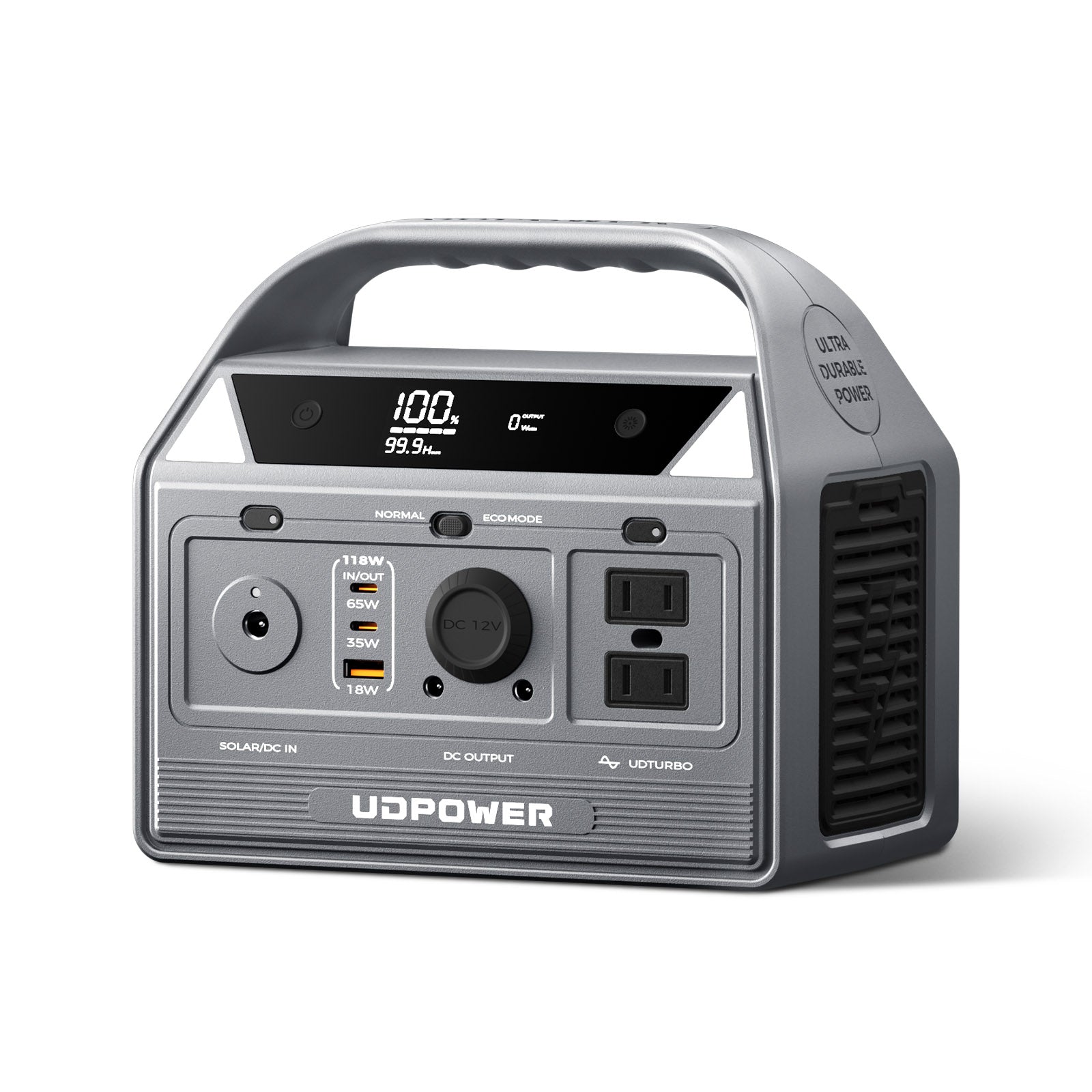
2) UDPOWER C600 — best for one laptop plus your work essentials
The UDPOWER C600 is the sweet spot for many readers. It gives you a lot more breathing room for a laptop, router, phone, and a couple of smaller accessories.
- 596Wh capacity
- 600W rated output
- Good fit for longer work sessions, road trips, and blackout backup for a single desk
- Official page specifically positions it for laptops, cameras, smartphones, and mini-fridges
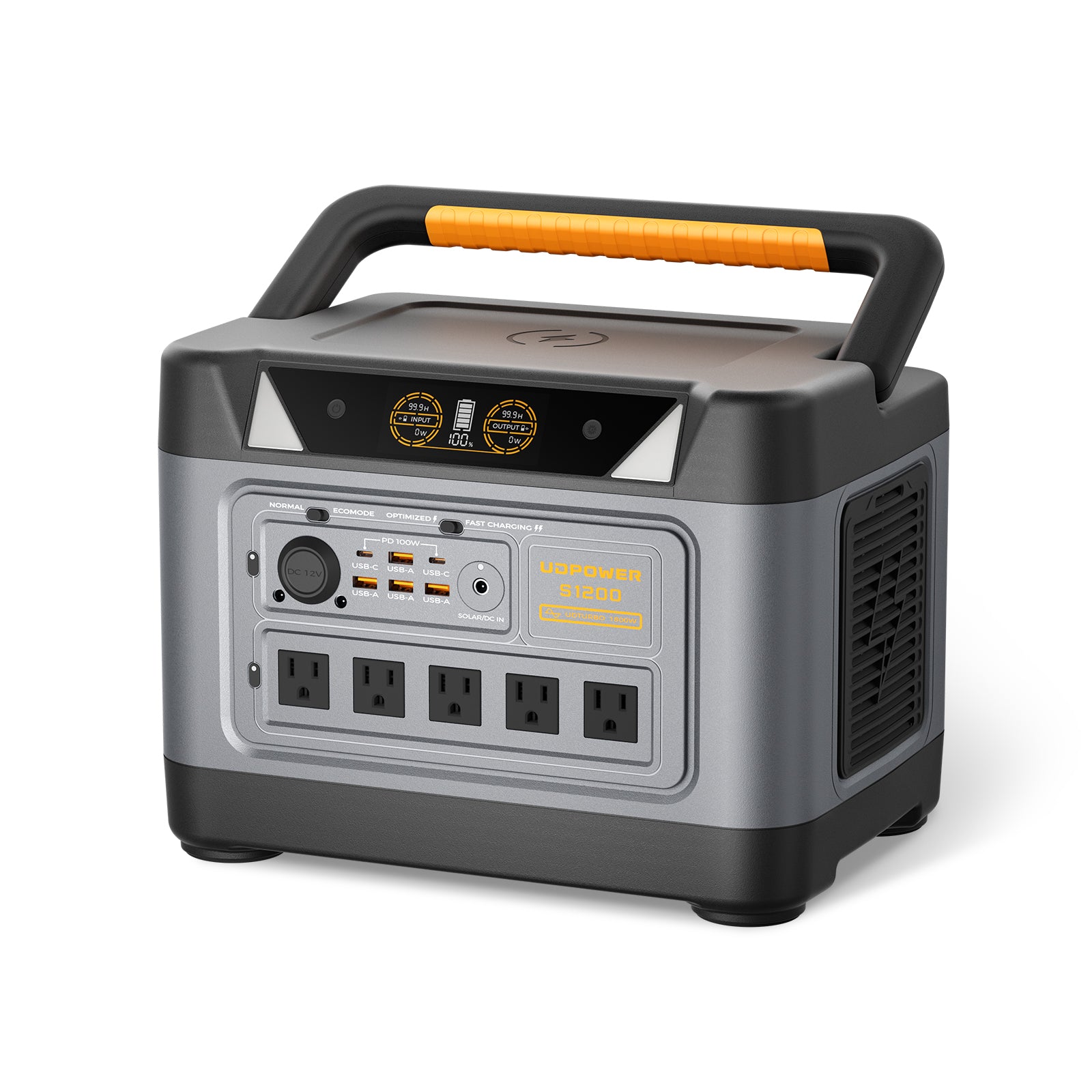
3) UDPOWER S1200 — best for a real home office or outage backup desk
If your setup includes a laptop, monitor, router, phone, chargers, and you want more comfort during an outage, the UDPOWER S1200 is the better move.
- 1,190Wh capacity
- 1,200W rated output
- <10 ms UPS-style backup positioning on the official product page
- Much better for a full workday, overnight backup, or multi-device desks
Want to compare more options? See the full portable power station collection or browse solar generator kits if you also want solar charging.
How long can a power station run a laptop?
For a realistic AC-outlet estimate, this quick formula works well:
That 0.85 factor keeps the estimate conservative by accounting for normal conversion losses. If you charge directly through a suitable USB-C port, real results can be a little better.
| UDPOWER model | Battery capacity | Approx. runtime at 30W laptop load | Approx. runtime at 45W laptop load | Approx. runtime at 60W laptop load | Best fit |
|---|---|---|---|---|---|
| C400 | 256Wh | About 7.3 hours | About 4.8 hours | About 3.6 hours | One efficient laptop, short sessions, travel use |
| C600 | 596Wh | About 16.9 hours | About 11.3 hours | About 8.4 hours | One laptop plus router, phone, and long work blocks |
| S1200 | 1,190Wh | About 33.7 hours | About 22.5 hours | About 16.9 hours | Home office backup, outage desk, multi-device use |
This is why average working watts matter so much. A laptop that uses 25W to 35W for everyday work behaves very differently from a gaming machine that can climb above 150W.
Common mistakes people make
1) Using the charger label as if it were constant power use
A 65W or 140W charger tells you what the adapter can supply, not what your laptop draws every second.
2) Ignoring battery charging status
A laptop with a low battery can pull much more power at first than the same laptop sitting at 90% and just handling browser tabs.
3) Forgetting about the whole desk
In real life, your laptop is often not alone. Add a monitor, router, speaker, desk lamp, or phone charger and your backup plan changes fast.
4) Treating gaming laptops like ordinary work laptops
They are not the same class of device. Gaming machines can be several times heavier on power than a MacBook Air or thin Windows ultrabook.
FAQ
How many watts does a laptop use per hour?
If you mean real-time power draw, most laptops use about 20W to 70W during normal work. Efficient thin laptops can be lower, while gaming laptops can go much higher.
Does a 65W laptop charger mean the laptop always uses 65 watts?
No. It means the charger can deliver up to 65W. The laptop may use much less during light tasks and more during charging or heavier work.
How many watts does a MacBook Air use?
In real use, a MacBook Air is usually one of the most efficient laptop classes. For everyday work, planning around 15W to 25W is often reasonable, though short peaks can be higher.
How many watts does a Dell laptop use?
It depends on the model. A Dell XPS 13 class machine is usually much lighter on power than a larger Inspiron or a performance-focused model. Many mainstream Dell laptops fit the 30W to 50W planning range for normal work.
How many watts does an ASUS laptop use?
ASUS laptops range from efficient Zenbook models to high-draw ROG gaming systems. A Zenbook may fit the 20W to 40W everyday-work range, while a gaming laptop can move far beyond that.
Can a small portable power station run a laptop?
Yes. For a single efficient laptop, even a compact model like the UDPOWER C400 can make sense. For longer sessions or extra devices, the C600 or S1200 is more comfortable.
How do I size a power station for my laptop?
Start with your average working watts, not the charger rating. Then use this formula: battery Wh × 0.85 ÷ laptop watts = approximate runtime in hours.
What is a safe planning number if I do not know my laptop’s exact draw?
Use 30W for a thin efficient laptop, 45W for a typical mainstream laptop, and 60W for a larger productivity machine. That gives most readers a solid planning starting point.
Need the right backup size for your laptop setup?
Start with your laptop’s average working watts, then match the battery size to how long you want to stay productive. A light travel setup and a full blackout home office are two very different jobs.
Related Articles


