





How to Charge Apple Mouse [Ultimate Guide 2026]
If you searched “How do I charge my Apple mouse?” the real answer depends on which Magic Mouse you own. Some models use Lightning, the newest one uses USB-C, and the oldest original Magic Mouse does not charge by cable at all because it runs on AA batteries.
This guide gives you the fast answer first, then shows how to identify your model, which cable you need, how to check charging status, what to do when it will not charge, and how a small portable power setup can keep your mouse and the rest of your Apple desk kit going when you are traveling or dealing with an outage.

Quick Answer
To charge an Apple Magic Mouse, turn the mouse over and connect the correct cable for your version: USB-C for the 2024 Magic Mouse, or Lightning for the 2015 rechargeable Magic Mouse. Then connect the other end to your Mac or a compatible USB power source. If you have the original 2009 Magic Mouse, you do not charge it with a cable—you replace the AA batteries.
Important: Magic Mouse cannot be used while charging because the charging port is on the underside.
1) Identify Which Apple Mouse You Have
This is the step most people skip, and it is the reason many users end up with the wrong cable.
| Apple Mouse Type | How to Recognize It | What You Need | Can You Use It While Charging? | Source |
|---|---|---|---|---|
| Original Magic Mouse (2009) | Uses removable batteries instead of a built-in rechargeable battery | Two AA batteries | Not applicable | Apple Newsroom |
| Magic Mouse rechargeable model (2015) | Built-in rechargeable battery with a Lightning port | Lightning cable | No | Apple Tech Specs · Apple Support |
| Magic Mouse (USB-C, 2024) | Current model with USB-C port | USB-C charge cable | No | Apple Tech Specs · The Verge overview |
2) How to Charge Each Apple Mouse Type
How to charge the 2024 Magic Mouse with USB-C
- Turn the mouse over so you can access the charging port on the underside.
- Connect a USB-C charge cable to the mouse.
- Plug the other end into your Mac or another working USB power source.
- Leave it connected long enough to top up, then unplug and resume using it.
How to charge the 2015 rechargeable Magic Mouse with Lightning
- Turn the mouse over.
- Insert a Lightning cable into the Lightning port.
- Plug the other end into your Mac or a USB power adapter.
- For the fastest charging performance, keep the device turned on while charging.
How to handle the original 2009 Magic Mouse
- Slide open the battery compartment.
- Replace the old batteries with two AA batteries.
- Reinstall the cover and reconnect if needed.
Do not plan to work while it is plugged in. That is the awkward part of Magic Mouse charging. The practical habit is to charge it during lunch, overnight, or while you are away from the desk for a short break.
| Version | Official Charging Path | What Comes in the Box | Battery Expectation | Source |
|---|---|---|---|---|
| Magic Mouse rechargeable (2015) | Lightning cable to Mac or USB power adapter | USB-C to Lightning cable | About a month or more between charges | Apple Tech Specs · Apple Support |
| Magic Mouse (USB-C, 2024) | USB-C charge cable to Mac or USB power source | USB-C charge cable | About a month or more between charges | Apple Tech Specs · Apple Support guide |
3) How to Check Battery Level
On a Mac, Apple says you can check your Magic Mouse battery level from the menu bar.
- Click Control Center in the menu bar.
- Open Bluetooth.
- Look for your Magic Mouse and view the charge level.
You can also use the Bluetooth menu directly if it is shown in the menu bar.
4) Best Real-World Charging Setup
If all you need is to charge the mouse itself, the power demand is tiny. In real life, though, people almost never charge only the mouse. They charge the mouse along with a MacBook, a phone, earbuds, or a travel desk setup.
| Your Situation | What Actually Matters | Best Charging Approach | Why |
|---|---|---|---|
| Desk at home | Correct cable and a reliable USB source | Use your Mac or a stable USB charger | Simple, clean, and already supported by Apple |
| Coffee shop / coworking | Portable backup power for multiple small devices | Use a compact battery or small power station | You can recharge your mouse, phone, and laptop accessories from one setup |
| Road trip / short travel | Portability more than raw wattage | Choose a light, compact portable power station | The mouse barely uses power; your other gear is what determines the right model |
| Outage / home office backup | Keeping your whole desk alive | Choose a larger power station for router, laptop, light, and phone | The mouse is easy; the rest of your workspace is the real load |
For readers building a travel desk or backup setup, these internal guides are a natural next step:
5) Recommended UDPOWER Products for Apple Mouse Charging Setups
You do not need a high-output station just to charge a Magic Mouse. But if you want one clean power source for your mouse plus your broader Apple setup, these are the smarter fits.
| Recommended For | Model | Official Specs | Why It Fits This Use | Official Link |
|---|---|---|---|---|
| Mouse + phone + daily carry kit | UDPOWER C400 | 256Wh · 400W · 6.88 lbs | Light and compact for short trips, coffee-shop work, and travel charging | View product |
| Mouse + MacBook accessories + camera gear | UDPOWER C600 | 596Wh · 600W · 12.3 lbs | A better pick when your mouse is only one part of a mobile work setup | View product |
| Mouse + laptop + router + desk backup during outages | UDPOWER S1200 | 1,190Wh · 1,200W · 26.0 lbs | Best when you want to keep the whole workspace going, not just the mouse | View product |
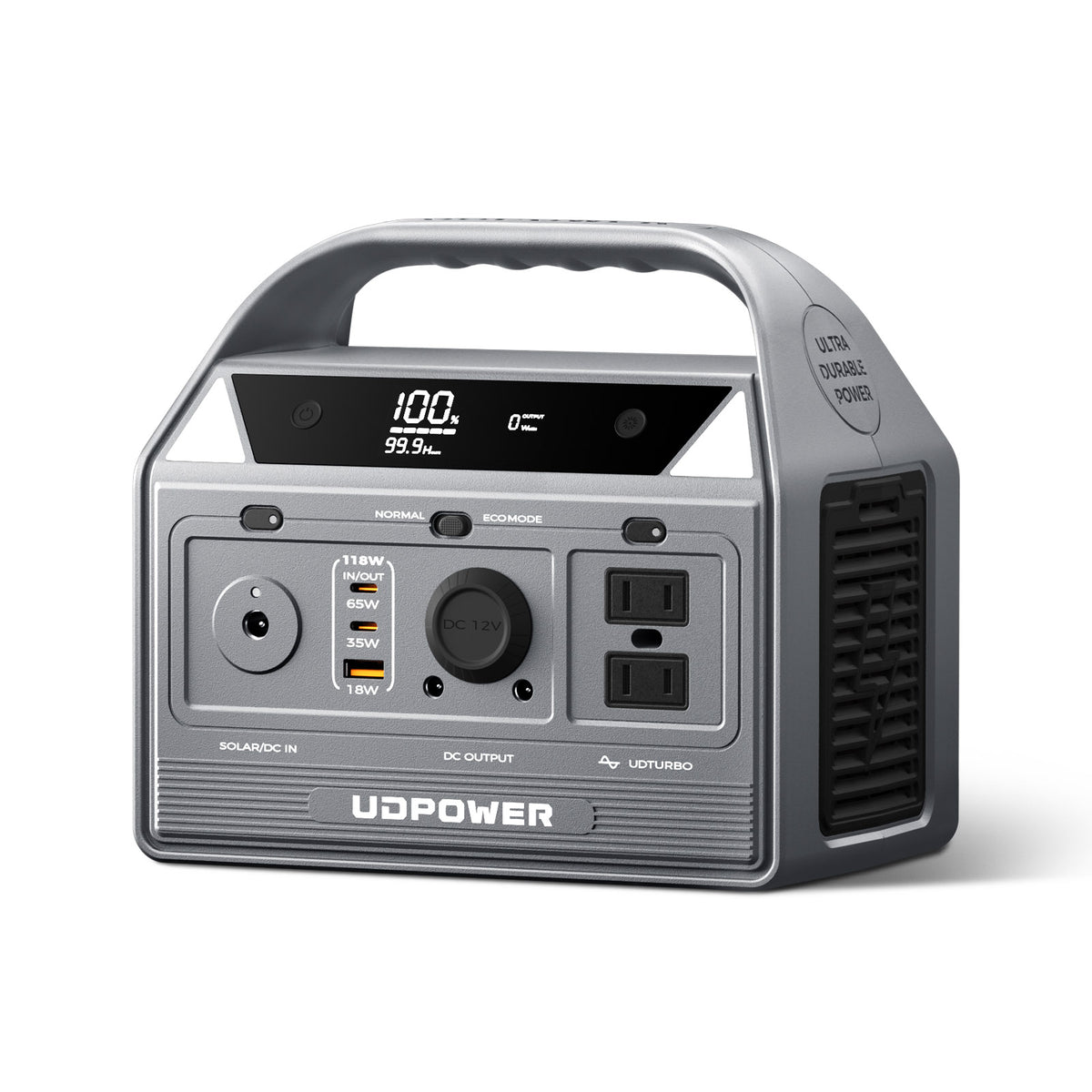
UDPOWER C400
If your Apple Mouse usually travels with a phone, charging cable, tablet, or small laptop accessory kit, the C400 is the easiest fit. It stays focused on portability instead of overkill capacity.
- 256Wh capacity
- 400W output
- 6.88 lbs
- Compact option for travel desks and grab-and-go charging
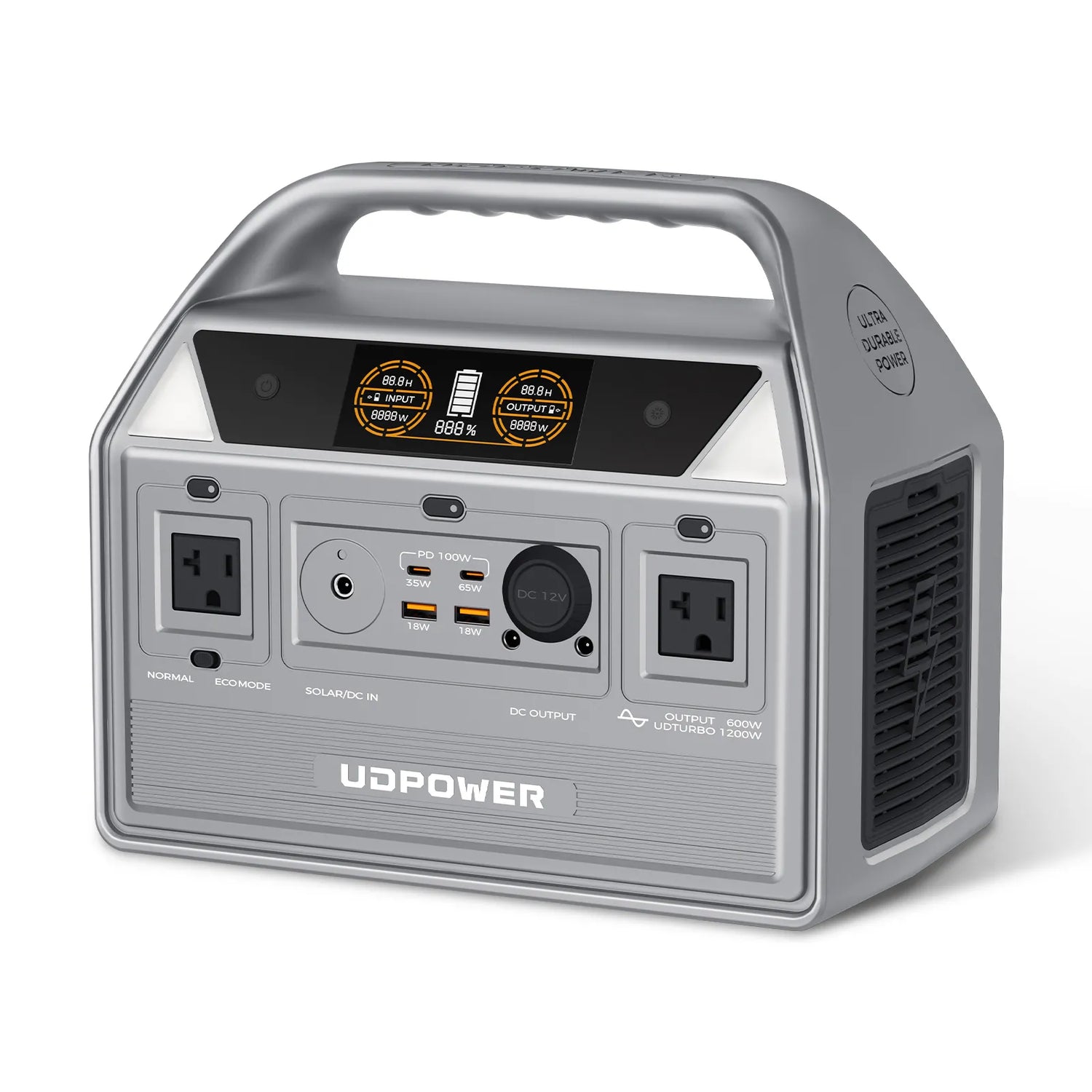
UDPOWER C600
The C600 makes more sense when the Apple Mouse is just one item in a larger setup. It gives you more room for MacBook accessories, charging bricks, camera batteries, and other gear without stepping into full home-backup size.
- 596Wh capacity
- 600W output
- 12.3 lbs
- Useful middle ground between travel convenience and serious backup
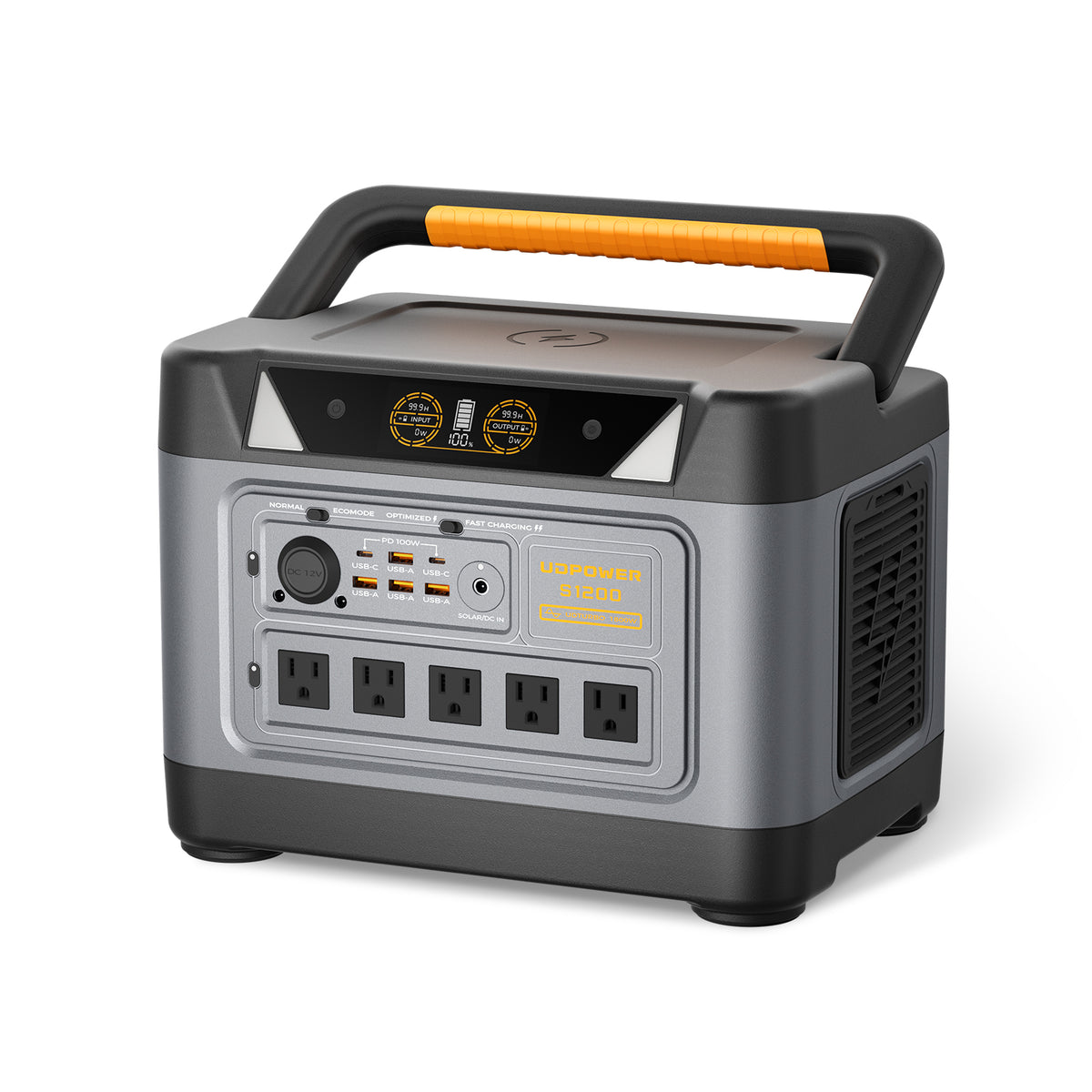
UDPOWER S1200
This is the right choice when you want your Apple Mouse to stay charged and keep your laptop, router, phone, and desk essentials alive during a power outage. For most readers, this is not a “mouse charger”—it is a workspace backup plan.
- 1,190Wh capacity
- 1,200W output
- 26.0 lbs
- Better for real desk continuity than for mouse-only charging
6) Apple Mouse Not Charging? Fixes That Actually Help
Most Apple Mouse charging problems come down to one of four issues: the wrong cable, a weak connection, a dead USB source, or confusing the rechargeable mouse with the older AA-battery model.
| Problem | Likely Cause | What to Do |
|---|---|---|
| Cable will not fit | You have the wrong mouse version | Check whether your mouse uses Lightning, USB-C, or AA batteries |
| Mouse still looks dead after plugging in | Bad cable or bad USB port | Try a different known-good cable and a different Mac or charger port |
| You cannot use the mouse while charging | This is normal design behavior | Charge during breaks, between meetings, or overnight |
| No battery percentage shown | Looking in the wrong place on macOS | Open Control Center, then Bluetooth, and check the connected device level |
| “It should charge, but nothing happens” | Loose underside connection or unstable power source | Reconnect carefully, confirm the cable seats fully, and test with another USB source |
| Older mouse has no charging port | It is the original Magic Mouse | Replace the two AA batteries instead of looking for a charging cable |
7) FAQ
Can I use Magic Mouse while it is charging?
No. Apple says Magic Mouse is unavailable for use while charging because of the underside charging-port design.
Does every Apple mouse charge with USB-C?
No. The 2024 Magic Mouse uses USB-C, the 2015 rechargeable Magic Mouse uses Lightning, and the original 2009 Magic Mouse uses removable AA batteries.
How do I know whether I need Lightning or USB-C?
Check the charging port on the underside of the mouse. If the port is narrow and iPhone-style, it is Lightning. If it is the wider oval shape, it is USB-C.
Can I charge Apple Mouse from a power bank or portable power station?
Yes, as long as you use the correct cable and a stable USB power output. In practice, that makes portable power a good fit for travel, mobile work, and backup charging.
How long does a Magic Mouse battery last?
Apple says the rechargeable Magic Mouse battery lasts about a month or more between charges, depending on your model and use.
How do I check the battery percentage on Mac?
Open Control Center in the menu bar, go to Bluetooth, and view the battery level for your connected Magic Mouse.
My Apple Mouse will not charge. What should I test first?
Start with the basics: confirm the model, confirm the correct cable, test another USB port, and try a different known-good cable before assuming the mouse itself is bad.
What is the best UDPOWER product for charging an Apple Mouse?
For mouse-only plus a few small devices, the C400 is the most practical pick. For a fuller Apple travel setup, the C600 is a stronger fit. For home office backup, the S1200 makes the most sense.
Ready to Build a Better Charging Setup?
If your Apple Mouse is part of a bigger travel kit or home office setup, shop by use case instead of shopping by the mouse alone.
Related Articles


